Drop in any photo and get a device-ready sleep screen for your Xteink reader — with real 4-level dithering baked in, so it renders crisp on the panel instead of washed-out and banded.
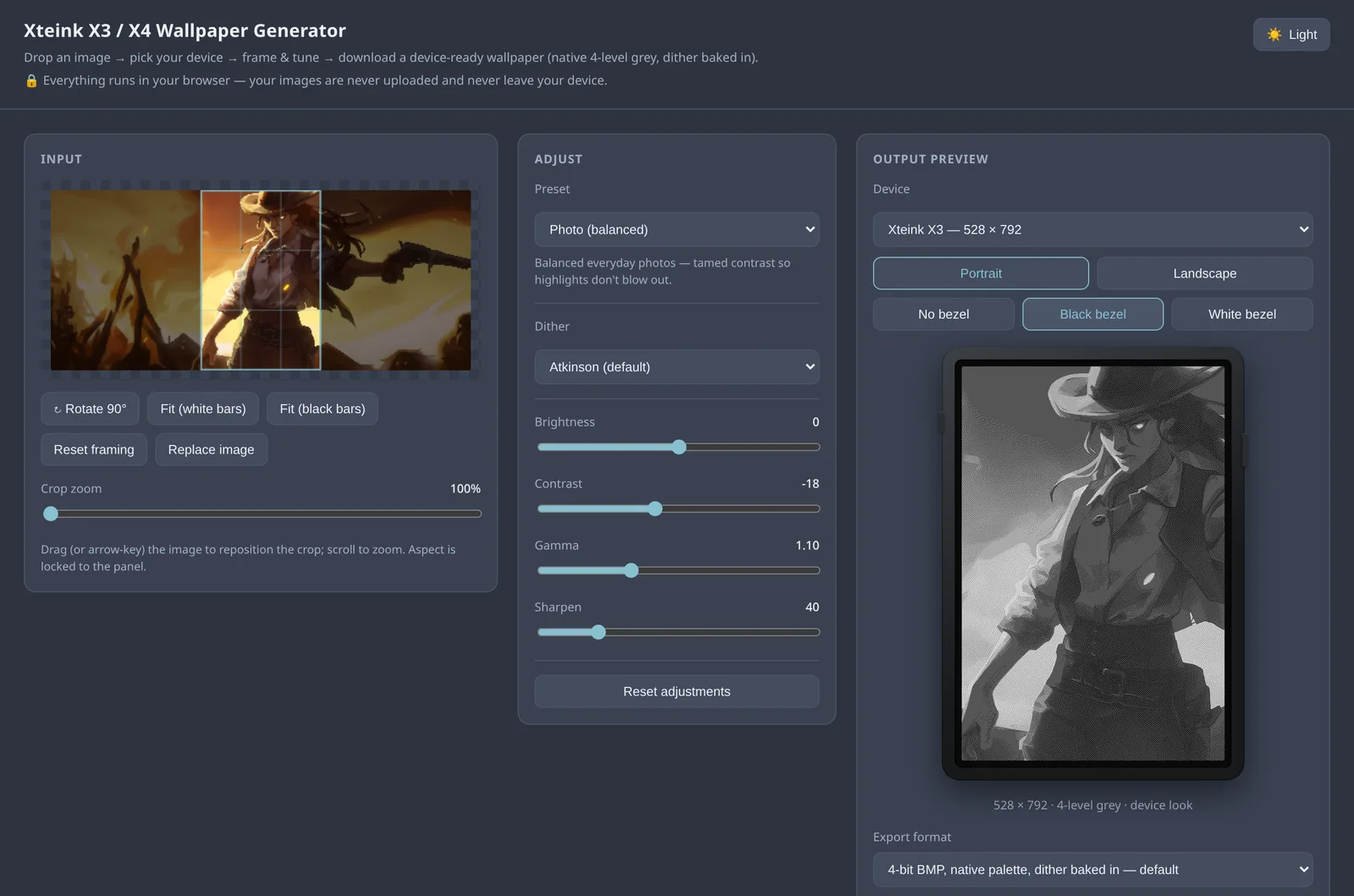
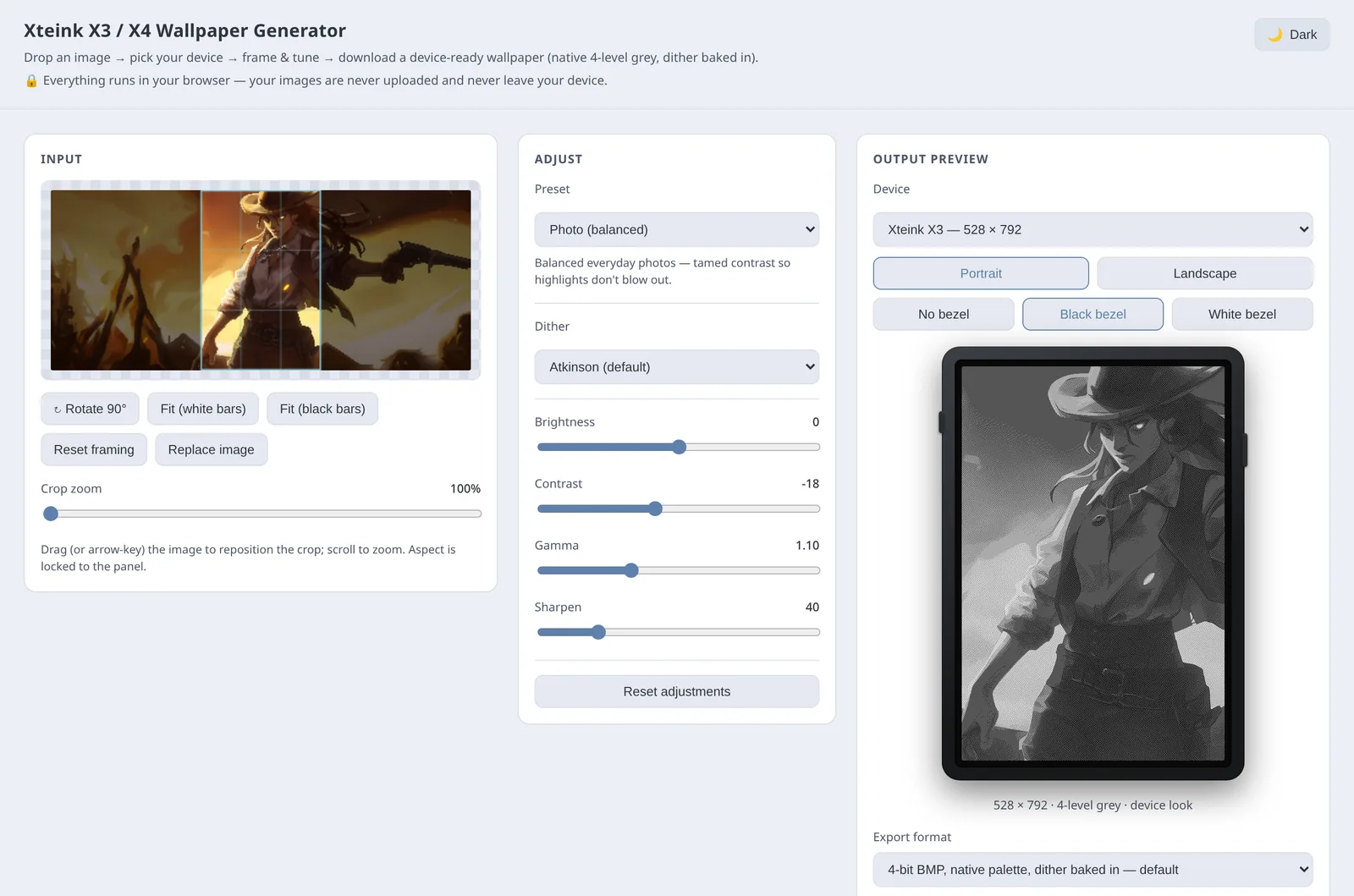
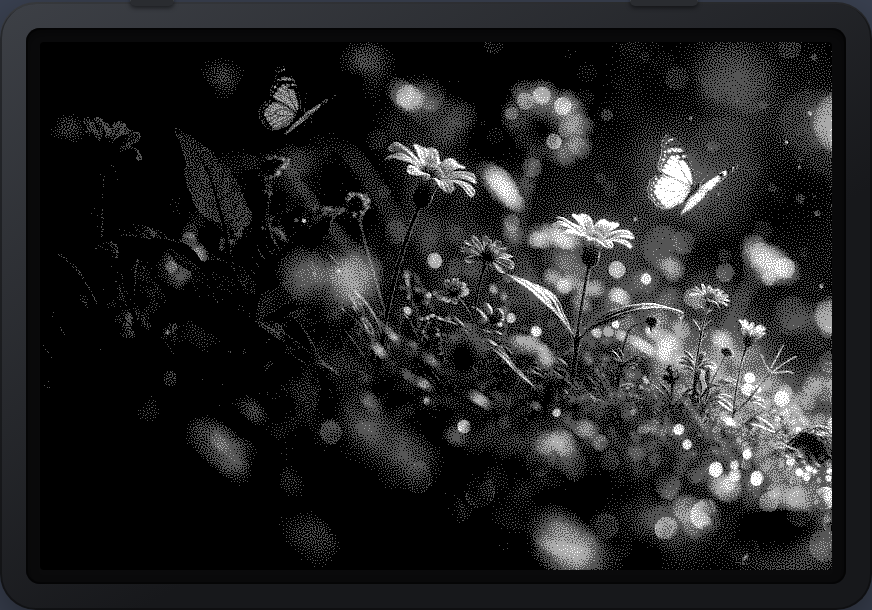
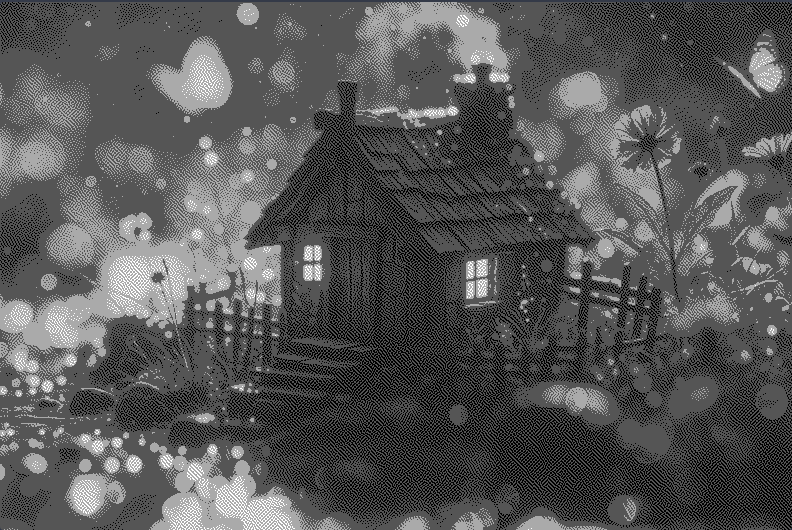
The Xteink panel shows just four levels of grey, and the firmware doesn't dither — it hard-thresholds your image, crushing smooth gradients into ugly bands. This tool does the dithering for the panel, so detail survives. Drag the slider to see the difference on the same photo.
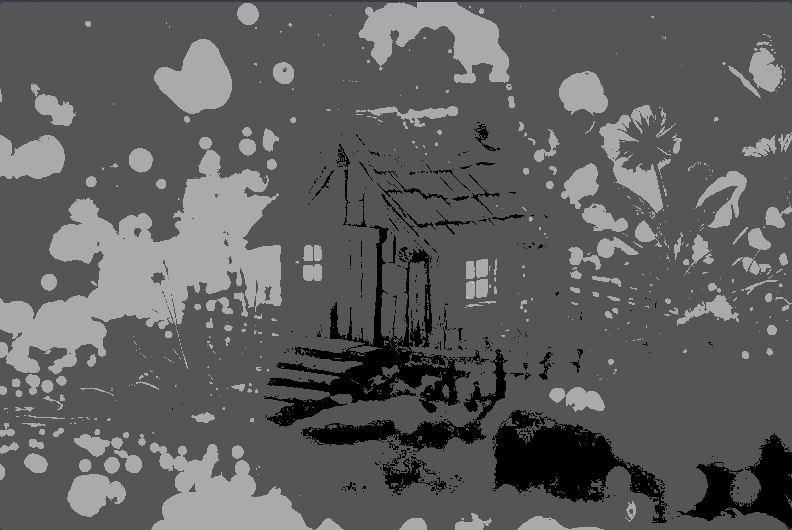 Without dithering
With dithering
Without dithering
With dithering
Real output from the app — Atkinson dither vs. a raw 4-level quantize.
Seven diffusion & ordered algorithms — Atkinson, Floyd–Steinberg, blue-noise and more — quantize to the exact four native greys so CrossPoint maps them 1:1. No on-device re-processing, no banding.
Every pixel is processed in your browser with plain JavaScript. Your images are never uploaded, never leave your device — no server, no account, no telemetry. Works with the tab offline.
Start from a one-click preset, then fine-tune brightness, contrast, gamma and sharpening. Crop to the panel with zoom, rotate and letterbox — all against a true-to-life live preview.
Xteink X3 (528×792) and X4 (480×800), with one-tap portrait / landscape.
4-bit native BMP, compact CrossPoint PXC (2bpp), or smooth 24-bit BMP.
See the exact output size before you download — no guessing, no re-encoding.
Drag or arrow-key the crop, scroll to zoom 100–400%, rotate 90°, locked to panel aspect.
Drag-and-drop PNG / JPEG / WebP / GIF, with automatic EXIF auto-rotation for phone photos.
Prefer the whole image? Fit with clean white or black bars instead of cropping.
Stepped halving resample plus Rec.709 greyscale keeps fine detail intact.
A calm Nord-themed UI that remembers your preference between visits.
One self-contained HTML file. Open it locally or host it anywhere static.
The same picture, rendered three ways. Pick a preset as a starting point, or tune from scratch.
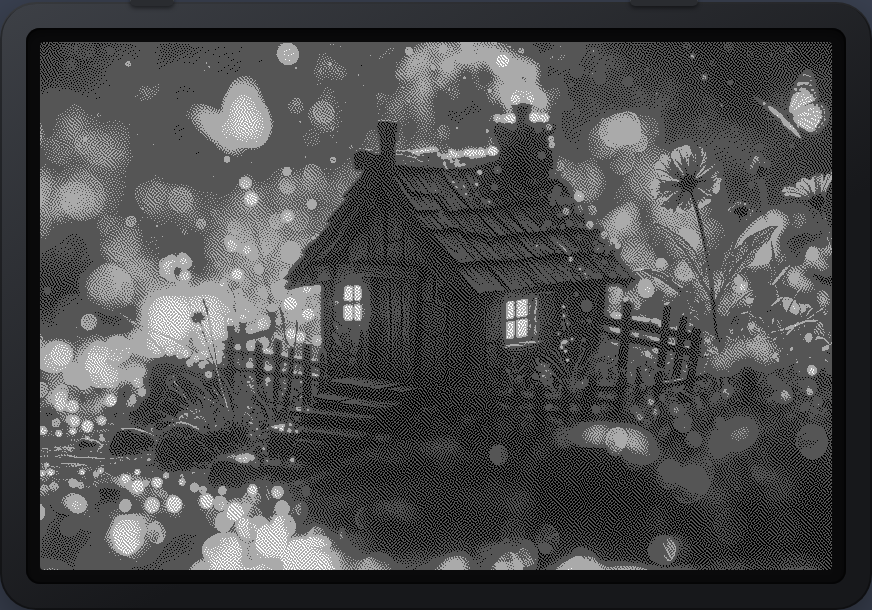
Tamed contrast so highlights don't blow out.
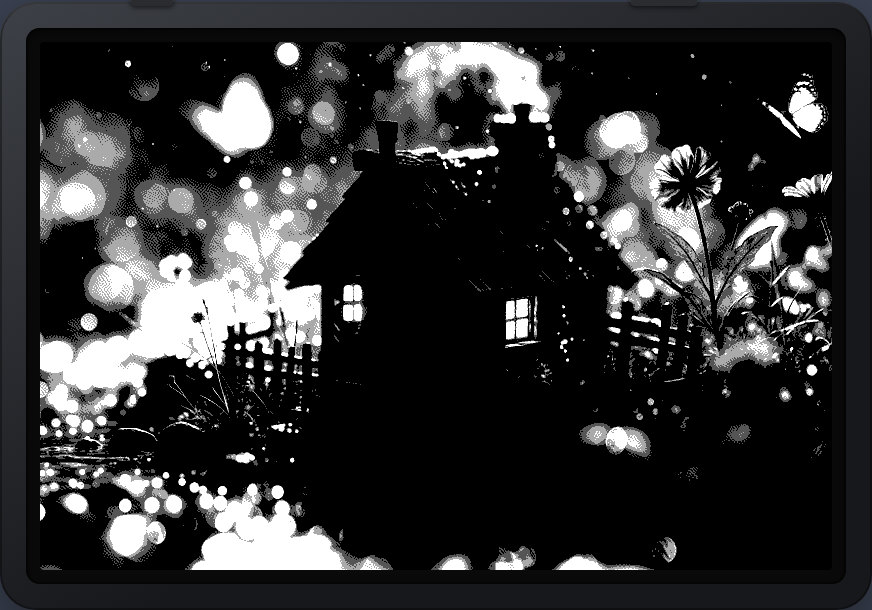
Bold, high-contrast graphic look with deep blacks.
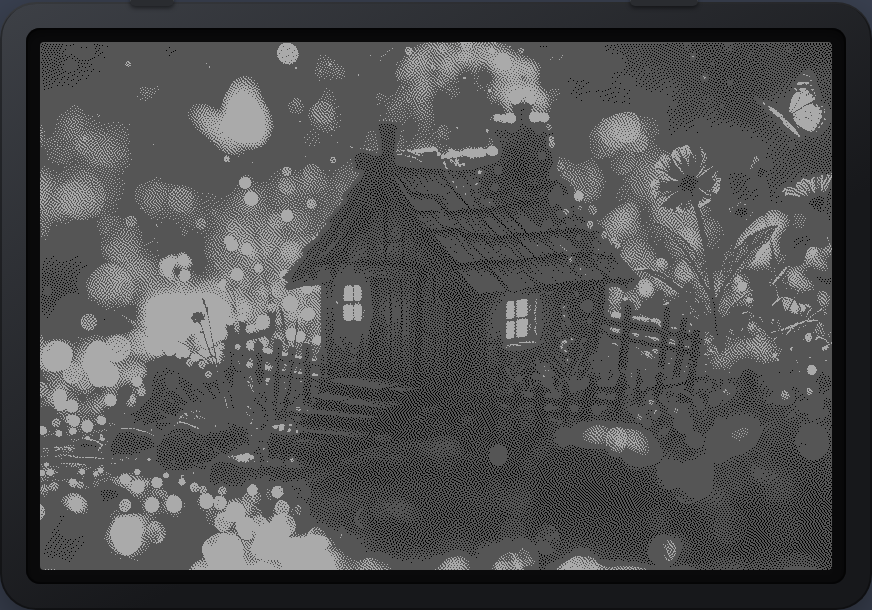
Gentle, low-contrast look that suits e-ink's washed white.
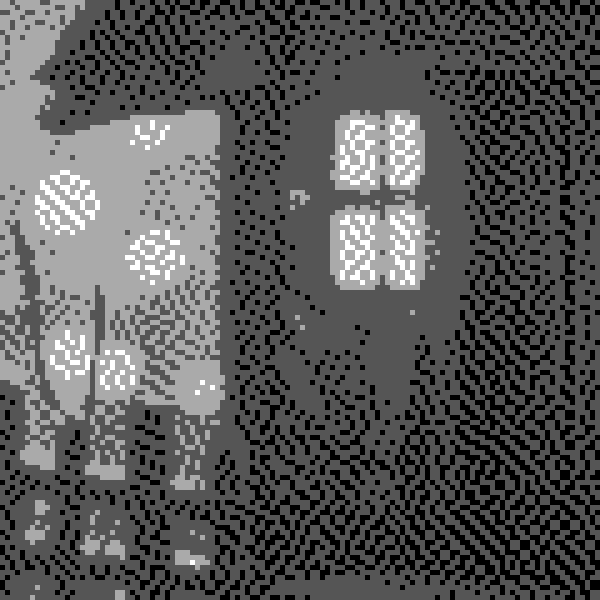
Zoom right in and you can see it: individual dots across the four native greys, arranged so your eye blends them into smooth tone on the ~300 ppi panel. Blue-noise mode even uses a void-and-cluster matrix for an even, low-clumping texture.
Drop in an image, pick your device and preset, frame it, and download the device-ready file.
Drop the file into the /.sleep/ folder on your Xteink's SD card. BMP and PXC files can mix freely.
CrossPoint cycles through your /.sleep/ wallpapers — now crisp, dithered and exactly panel-sized.
Free, private and instant. No sign-up, no upload, nothing to install.
